How to Choose the Best IPTV Setup for Your Own Situation
"Best IPTV" is a question that can't really be answered in the abstract, because the right setup depends almost entirely on what you're starting with — which devices you already own, how many people will actually be watching, and what you're genuinely willing to spend each month or year. Generic top-ten lists tend to skip this step completely and jump straight to recommendations, which is exactly why so many of them feel unhelpful the moment you try to act on one in your own home.
This article isn't a side-by-side comparison of named options — it's a framework for figuring out your own priorities first. It starts with a set of honest questions about your own situation, then shows how the answers point toward the kind of setup that will actually work well for you specifically, rather than for some hypothetical average user who may not resemble your household at all.
Start With Your Devices, Not the Marketing
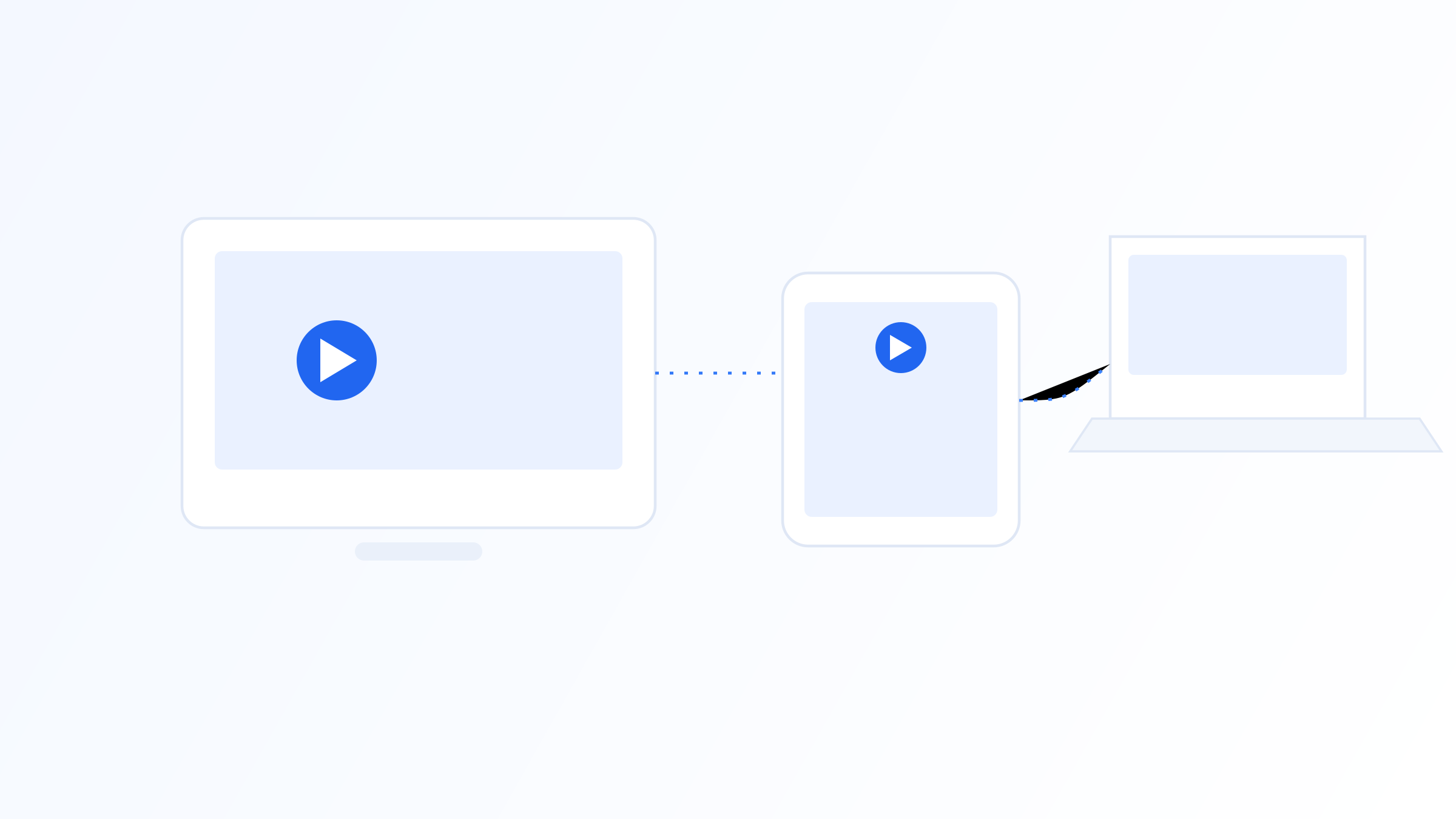
Before comparing anything at all, list out every device you actually intend to watch on: a smart TV, a streaming box, a phone, a tablet, maybe a laptop sitting in another room. Then check what platform each one actually runs — Android TV, Apple's ecosystem, a proprietary smart TV operating system from the manufacturer, or a generic Android device with its own separate app store.
This single step eliminates a surprising number of options immediately, before you've spent any real time comparing features. Compatibility should be the very first filter you apply, not an afterthought you check only after you've already fallen in love with a long, impressive-looking feature list. Pay particular attention to any older or less common hardware in the mix, such as an aging smart TV model, since these tend to have the most limited app stores and the weakest processors. If that older device is one you rely on regularly, weight its compatibility more heavily than you would for a device you use only occasionally.
It's also worth ranking your devices rather than treating them all equally. The screen you and your household actually watch the most, on most days, should carry the most weight in your priorities. A setup that's flawless on a rarely used tablet but clunky on your main living-room TV isn't actually a good fit, even if it technically works on every device you own.
Match Your Content Priorities to How You Actually Watch
Think honestly about your actual viewing habits, not your aspirational ones that sound better in your head. Do you mostly watch scheduled programming and want a strong live-TV experience with an accurate, dependable program guide you can plan around? Or do you lean heavily on on-demand content instead, where catch-up features and VOD organization matter considerably more to you than the live channel list itself does?
This honest self-assessment affects which features you should prioritize. Someone who barely ever opens the EPG doesn't need to weigh that factor heavily, while someone who genuinely plans their evenings around a broadcast schedule should treat guide accuracy as one of their top criteria. A useful exercise is to think back over the last two weeks of your actual viewing and write down, honestly, how much of it was scheduled live content versus something you chose on your own time. Most people are surprised by the answer once they total it up, and that number is a far more reliable guide to your own priorities than a gut feeling formed while browsing someone else's feature list.
It also helps to be specific about genre and language priorities rather than just "live versus on-demand" in the abstract. If your actual viewing skews heavily toward a particular region's sports coverage, or programming in a specific language, that's a priority worth naming explicitly for yourself, since it will matter more to your day-to-day satisfaction than almost any other single factor on this list.
Weigh Household Size and Simultaneous Streams
If more than one person in your household might realistically be watching different things at the same time, on different screens, check carefully whether your priorities need to include multiple simultaneous streams, and whether that support requires a higher-tier plan than the basic one advertised on the front page. This is an easy detail to overlook entirely until the first time two people try to watch different channels at once and something unexpectedly breaks.
It also helps to think a season or two ahead rather than only about today's household. If a household member is likely to move in, or a spare room is likely to get its own television soon, it's worth factoring that into your priorities now rather than discovering later that your current plan can't scale the way you need it to.
Be honest, too, about how often simultaneous viewing actually happens versus how often you imagine it might. Some households genuinely need three or four streams running most evenings; others rarely have more than one screen active at a time despite owning several devices. Prioritizing for the pattern you actually live, rather than a hypothetical worst case, usually leads to a better overall fit.
Get Clear on Budget Before You Prioritize Anything Else
Separate your budget thinking into two distinct categories: what you're willing to pay for the software itself, if anything at all, and what you're willing to pay separately for content access. Some players are one-time purchases or entirely free, with recurring costs coming purely from content subscriptions you manage independently. Others bundle everything into a single recurring fee. Neither model is inherently better, but knowing clearly which one you're prioritizing prevents surprise costs later.
If part of your decision eventually involves choosing a specific content source, it's also worth factoring in whether that source is transparent about holding appropriate rights to the content it distributes — a small but reasonable consideration to fold into an otherwise personal, budget-driven decision. Totaling the real annual cost, rather than just the monthly figure, also makes it much easier to weigh your priorities on genuinely equal terms.
It's worth also deciding, up front, roughly how much of your budget you're willing to put toward flexibility versus a lower fixed price. Paying slightly more for a setup that scales cleanly with an extra device or an extra household member can be worth it if you already suspect your situation will change soon, while a strictly fixed, minimal setup can make more sense if you're confident your needs are stable for the foreseeable future.
Test Against Your Own Priorities Before You Commit
Once you've worked out your own priorities using the questions above, use any trial periods that are actually available to test specifically against them — on your actual devices, during your normal everyday viewing hours, focused on whatever mattered most in your self-assessment, whether that's guide accuracy, simultaneous streams, or plain reliability.
Give yourself at least a couple of real viewing sessions spread across different days before deciding anything final, rather than judging everything off a single rushed look. Keep brief notes tied to your own priorities as you go — "guide was accurate but slow to load" is far more useful when you already know that guide accuracy was your top priority than a vague memory of which option you liked better overall.
If your self-assessment turned up more than one high-priority factor, test them in the order you ranked them, not all at once. Confirming your top priority is genuinely satisfied first keeps you from getting distracted by a minor issue in a lower-ranked area and either dismissing a setup too early or overlooking a real problem in the thing that actually matters most to you.
The best IPTV setup for you is defined by your devices, your household, your viewing habits, and your budget — not by a generic ranking written for an average user who may not actually exist in practice. Work through your priorities in that order, device compatibility first, then real viewing habits, then simultaneous-stream needs and budget, and only then test against the priorities you've actually identified for yourself.
Quick FAQ
Is there one IPTV setup that works best for everyone?
No. The right setup depends heavily on your specific devices, how many people are watching at once, and your overall budget. What works well for one household can be a genuinely poor fit for another with different equipment or viewing habits entirely.
Should I prioritize device compatibility or content first?
Start with device compatibility, since that's generally the harder constraint to work around later once you're already committed. Once you know what actually runs well on your specific devices, you can weigh content priorities afterward with considerably more flexibility in your final choice.
How do I know if simultaneous streams should be a priority for me?
If more than one person in your household regularly wants to watch different content at the same time, on different devices, that should rank high in your priorities. If you're usually the only one watching, it's a factor you can safely weight much lower than someone shopping for a shared household.
How should I weigh price against my other priorities?
Price alone isn't a reliable signal of fit. It often reflects server capacity or catalog size, but it doesn't automatically guarantee compatibility with your specific devices or a match for your viewing habits. Testing during a genuine trial period, against the priorities you've already identified, matters more than the number on the price tag.
Ready to set up your own IPTV player?
View Pricing PlansReminder: use only legally licensed playlists and content sources. See our Legal & Responsible Use FAQ.