IPTV Apps Explained: Features You Should Look For
Basic playback is table stakes for any IPTV app; if it cannot decode a stream cleanly, nothing else about it matters. But once that baseline is met, the features that surround playback are what actually determine whether an app is pleasant to use every day or something you tolerate. A channel list with no search function, an EPG with no favorites, or a settings menu buried three layers deep all add friction that compounds over weeks of use.
This article covers the specific features worth checking for across IPTV apps, organized by what they actually solve, so you know what to test rather than just what to look at.
Playlist Management Features
Good playlist handling starts with support for multiple sources. If you manage more than one playlist, whether for different device groups or different content categories, an app that lets you store several profiles and switch between them without re-entering URLs each time saves real effort. Scheduled auto-refresh is the other half of this: playlists change over time, and an app that checks for updates automatically keeps your channel list current without manual intervention.
Import flexibility also matters. Apps that accept both a direct URL and a locally saved file give you more options if your connection is unreliable at setup time, and apps that clearly show playlist status, like when it last updated or whether the last refresh failed, make troubleshooting far easier than a silent failure.
The ability to back up and restore your playlist configuration is another feature worth having, particularly if you ever switch devices or need to reinstall the app. Without it, moving to a new phone or box means manually re-entering every playlist URL, favorite, and channel group from scratch, which is a tedious way to lose an afternoon over something that a simple export function could have avoided entirely.
EPG and Navigation Features
A functional program guide is one of the most used parts of any IPTV app, so how it is built matters. Look for a guide that lets you scroll forward in time to see upcoming programs, not just what is airing right now, and that updates its data on a predictable schedule rather than going stale after a day or two.
Navigation speed matters just as much as the data itself. An app with categorized channel groups, like sports, news, or entertainment, and a working search bar turns a list of a few hundred channels into something you can actually find your way through, rather than scrolling indefinitely.
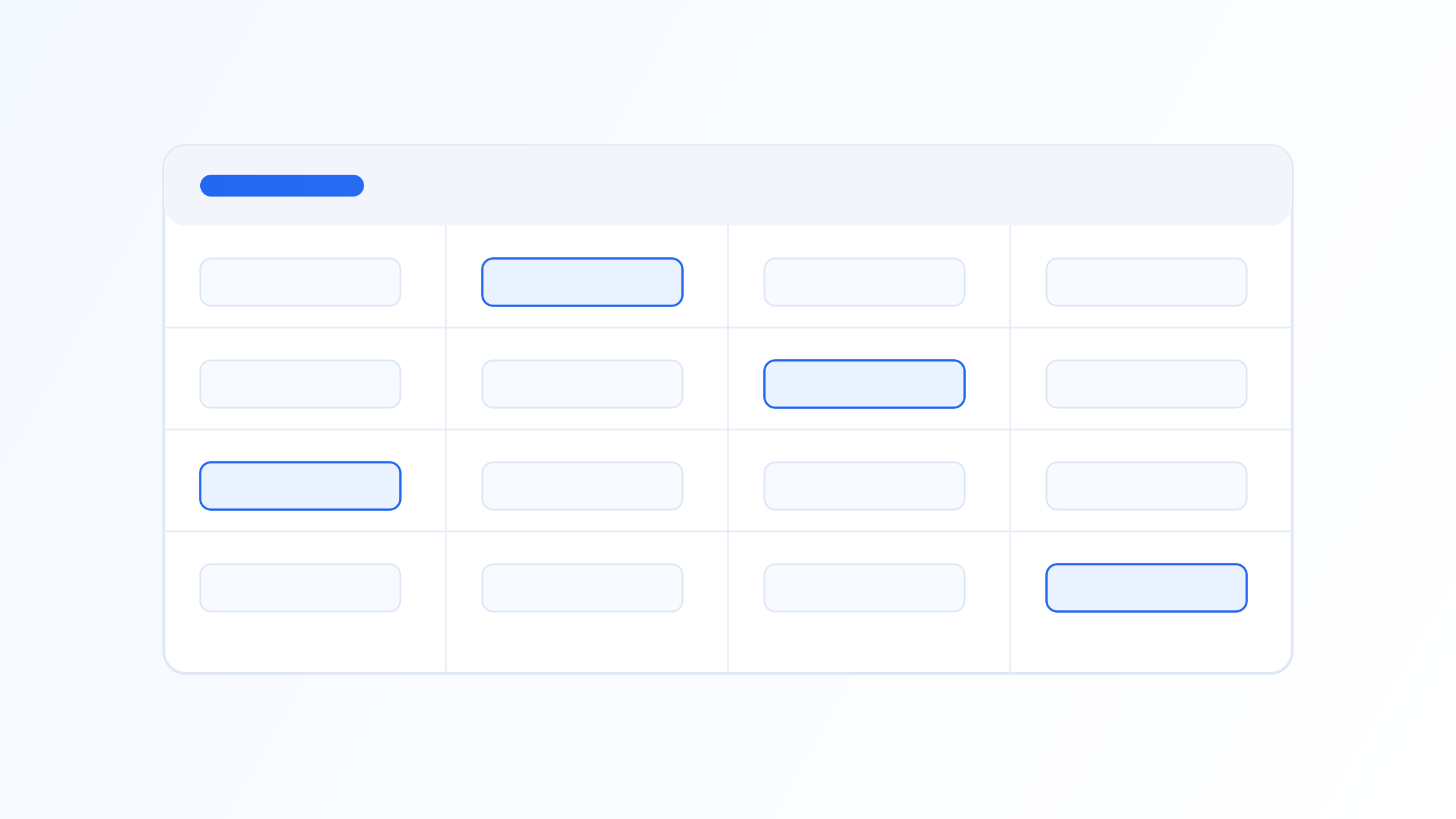
A grid-style EPG that lets you scrub horizontally through time while keeping the channel column fixed on the left is generally easier to use than a list-style guide that only shows one channel's schedule at a time. Small interface choices like this determine whether checking what's on later tonight takes a couple of seconds or involves backing out of several menus to get there.
Multi-Device and Multi-Profile Support
Many households use more than one device, and a good IPTV app accounts for that. Multi-profile support lets different household members keep their own favorites, watch history, and settings without interfering with each other, similar to how mainstream streaming apps handle separate profiles under one account.
If you use the same source across a phone, a tablet, and a living-room device, check whether the app syncs settings like favorites or watched status between installs, since manually rebuilding a favorites list on every device gets old fast.
Simultaneous stream limits are a related but separate concept worth understanding: this is a restriction set by your playlist source, not the app itself, on how many devices can watch at the same time using the same login. An app cannot get around this limit, so if two household members frequently want to watch different channels at once, that is a question to raise with your source before assuming the app is somehow at fault when a second stream gets disconnected.
Customization and User Experience Features
Small customization options add up. The ability to reorder channels, group them by preference rather than only by the source's default categorization, and adjust interface elements like guide density or theme all make an app feel tailored rather than generic. Playback controls matter too, including reliable pause and resume on supported streams, adjustable buffer size for unstable connections, and clear on-screen indicators when a stream is buffering versus actually down.
IPTV Iconic's app, for instance, includes customizable channel groups and a persistent favorites list alongside its EPG, aimed specifically at making a large channel list manageable rather than just playable.
Theming and layout density are smaller details but affect daily comfort more than they might seem. An interface that lets you switch between a compact list view and a larger tile-based view, for example, can make a meaningful difference depending on whether you're navigating with a remote from across the room or scrolling on a phone up close.
Parental Controls and Access Management
For households with shared devices, access management features are worth checking before assuming the app has none. PIN-protected categories, the ability to hide specific channel groups entirely, and separate profiles with restricted access all help keep content appropriate for different viewers without requiring a completely separate setup.
These controls vary significantly between apps, so if this is a priority for your household, test the specific implementation rather than assuming a listed feature works the way you expect. Some apps apply a PIN only at the group level, while others allow more granular per-channel restrictions.
It's also worth checking whether restricted content is genuinely hidden from view or merely blocked from playback, since a channel that still appears in the list with only playback blocked is a weaker form of restriction than one that disappears from the guide entirely for a restricted profile.
Performance and Resource Usage
Features are only useful if the app runs smoothly enough to let you actually reach them without lag, which makes resource efficiency worth paying attention to alongside the feature list itself. An app that consumes excessive battery on mobile, or that causes a streaming box to heat up noticeably during extended sessions, is often a sign of inefficient decoding or a poorly optimized interface running underneath a nice-looking design.
This tends to show up most clearly on lower-powered hardware, like older phones or budget streaming sticks, where a heavy app can visibly lag when opening the EPG or switching between channel groups. If you're evaluating apps on modest hardware, weigh a lighter, faster interface more heavily than one with more visual flourishes, since a feature you can't comfortably reach because of lag isn't really adding value.
It's also worth checking how an app behaves with very large channel lists specifically, since some apps that feel fast with a few dozen channels start to lag noticeably once loaded with several hundred, particularly during search or when scrolling through a densely populated EPG grid.
A simple way to test this yourself is to open the app's task or system monitor after twenty to thirty minutes of continuous playback and compare memory and CPU usage against the first few minutes after launch. A steadily climbing resource footprint over that window is a warning sign of inefficient background handling, even if playback still looks fine on the surface at that point.
Playback quality gets an IPTV app in the door, but the features around it decide whether it stays useful over time. Playlist management, a genuinely usable EPG, multi-device support, reasonable customization options, and efficient resource usage are the areas most worth testing before settling on an app for daily use. Spend a few minutes actually navigating the interface with a real, full-sized playlist rather than judging purely from a feature list or screenshots.
Quick FAQ
What features actually matter most in an IPTV app?
Reliable playback comes first, followed by usable EPG navigation, playlist management (multiple sources and auto-refresh), and organizational tools like favorites and search. These directly affect daily usability far more than cosmetic interface differences, which tend to matter less once you're actually navigating a real channel list.
Do IPTV apps support multiple user profiles?
Many do, letting different household members maintain separate favorites and settings. Support varies by app, so check specifically for multi-profile functionality if this matters to your household rather than assuming every app includes it, since some only support a single shared profile per installation.
Can IPTV apps sync settings across multiple devices?
Some apps sync favorites and settings across installs tied to the same account, while others treat each device installation independently. This varies significantly between apps, so check before relying on it if you use several devices regularly, especially if rebuilding favorites manually would be inconvenient.
Are parental controls standard in IPTV apps?
Not universally. Many apps include some form of PIN protection or content hiding, but the depth of control ranges from group-level restrictions to more granular per-channel controls. Test the specific feature rather than assuming based on a feature list, since implementations differ more than the marketing copy usually suggests.
Ready to set up your own IPTV player?
View Pricing PlansReminder: use only legally licensed playlists and content sources. See our Legal & Responsible Use FAQ.