What Is an IPTV Box and How Does It Work?

When people upgrade from cable to internet-based television, they often end up with a small box connected to their TV and wonder exactly what it does. An IPTV box is the piece of hardware that turns an ordinary television into a device capable of playing internet-delivered channels, on-demand video, and program guides. Unlike a traditional set-top box tied to a satellite dish or cable line, an IPTV box relies entirely on your home network connection. Understanding this distinction becomes useful once you start comparing devices, since two boxes that look similar in photos can behave very differently once you actually turn them on.
This guide breaks down what an IPTV box actually is, how it processes and displays streams, how it compares to other streaming hardware, and what to expect when setting one up for the first time.
What Is an IPTV Box, Exactly?
An IPTV box is a small dedicated device that connects to your television, usually through an HDMI cable, and to your home network through Wi-Fi or Ethernet. Its job is to run IPTV player software: an application that takes a playlist of streaming addresses (commonly in M3U format) or an Xtream-style login, connects to those sources over the internet, and decodes the video so it can display cleanly on your TV. In many ways it functions like a specialized small computer: it has a processor, memory, storage for apps, and an operating system, but its entire purpose is built around playing streaming media reliably.
The term "IPTV box" covers a range of hardware, from basic budget devices with modest processors to higher-end boxes with more memory, faster chips, and support for demanding formats like 4K HDR. What they share is the core function: receiving an internet video stream and turning it into something you can watch on a normal television without needing a computer or a cable connection.
Some IPTV boxes are sold as general-purpose Android TV devices that happen to run an IPTV player app well, while others are marketed specifically as IPTV boxes with the app preinstalled and the interface tuned around channel browsing. Neither approach is inherently better, but it helps to know which kind you're getting, since a general-purpose Android box gives you more freedom to install different apps, while a purpose-built box may offer a more polished out-of-the-box experience for live TV specifically.
How an IPTV Box Delivers Video to Your Screen
IPTV works by breaking video into small data packets and sending them over the internet using standard networking protocols, rather than broadcasting a continuous signal over airwaves, satellite, or a dedicated cable line. When you select a channel or program, the IPTV box requests the corresponding stream from a server, receives the incoming packets, buffers a short amount of data to smooth out network fluctuations, and decodes the video and audio in real time.
This packet-based delivery is why a stable internet connection matters so much for IPTV boxes. If packets arrive late or go missing, the box has to either wait, causing buffering, or skip data, causing visual glitches. A wired Ethernet connection or a strong Wi-Fi signal, combined with enough bandwidth for the resolution you're watching, keeps this process smooth.
Buffering itself is a deliberate design choice rather than a flaw. By holding a small amount of video in memory before playing it, the box gives itself a cushion against brief network hiccups, so a momentary drop in your connection doesn't necessarily interrupt playback. The tradeoff is a short delay between when a stream starts and when video actually begins, and larger buffers can reduce interruptions at the cost of a slightly longer wait when switching channels.
IPTV Box vs Streaming Stick vs Smart TV App
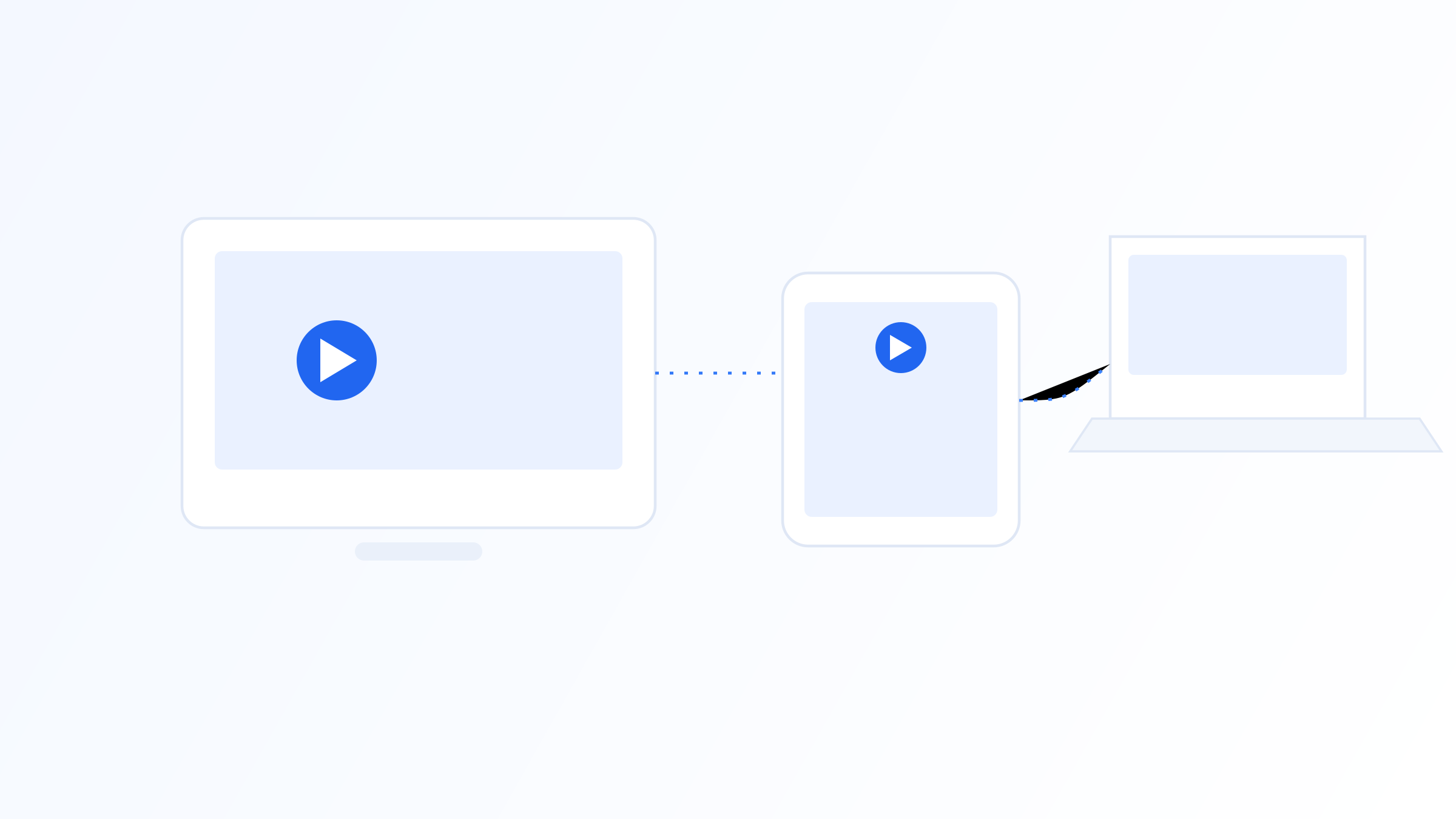
A dedicated IPTV box, a streaming stick, and a built-in smart TV app all aim to get streaming content onto your screen, but they differ in hardware and flexibility. Streaming sticks are compact and plug directly into an HDMI port; they're convenient but often have less processing power and storage than a standalone box. Smart TV apps run on the television's own limited hardware, which can mean slower performance and fewer customization options.
A dedicated IPTV box typically offers more processing headroom, more storage for multiple apps, better cooling for sustained use, and more consistent performance with demanding formats. For anyone using an IPTV player app extensively, especially at higher resolutions, that extra hardware capacity can make a noticeable difference in stability.
Cost is often the deciding factor, and it's worth weighing against how you'll actually use the device. A streaming stick or smart TV app is usually sufficient for casual, single-device viewing, while a dedicated IPTV box tends to make more sense for households running a large channel list, several apps, or 4K content regularly, where the extra processing power translates into a genuinely smoother day-to-day experience rather than just a longer spec sheet.
What's Inside an IPTV Box
Under the casing, an IPTV box typically includes a processor, often ARM-based, RAM for running apps smoothly, internal storage for the operating system and installed applications, and a video decoder chip capable of handling formats like H.264 or the more efficient H.265/HEVC. Most run a version of Android or a similar Linux-based operating system, which is why many IPTV boxes can also install other streaming and media apps beyond just an IPTV player.
Connectivity options usually include HDMI output, Wi-Fi, and often an Ethernet port, plus USB ports for external storage or accessories. Higher-end boxes add support for HDR video, higher frame rates, and sometimes built-in voice remotes.
Cooling design is easy to overlook but affects long-term performance. Because an IPTV box runs continuously for hours during viewing sessions, inadequate ventilation can cause the processor to throttle itself to avoid overheating, which shows up as stuttering or slowdowns during extended use. Boxes with metal casings or exposed heat sinks generally manage sustained heat better than fully enclosed plastic designs running the same workload.
Setting Up an IPTV Box for the First Time
Getting started generally involves connecting the box to your TV via HDMI, connecting it to your network, with Ethernet usually more stable than Wi-Fi, and installing an IPTV player app if one isn't preinstalled. From there, you add your playlist or subscription details, typically a URL or login credentials provided by your source, and the app loads the available channels and on-demand content into an organized interface, often alongside a program guide.
It's worth spending a few minutes on initial settings such as buffer size and video output resolution, since these affect playback stability. Apps like IPTV Iconic's player are designed to simplify this step by keeping playlist and EPG setup straightforward across different box models.
If you run into trouble during setup, checking a few basics first usually resolves most issues: confirm the playlist URL or login details were entered exactly as provided, verify the box has an active internet connection, and restart the app if channels aren't loading. Most first-time setup problems come down to a small entry error or a temporary network hiccup rather than a genuine fault with the box itself.
Common IPTV Box Issues and How to Avoid Them
Most complaints about IPTV boxes trace back to a handful of causes: an overloaded Wi-Fi network, an underpowered processor trying to handle 4K content, or a playlist source that isn't performing well. Before assuming the box itself is faulty, it's worth testing with a wired connection and confirming whether the issue persists across different channels or playlists, since that quickly narrows down whether the problem is the hardware, the network, or the content source.
Overheating and storage clutter are issues that tend to develop over time rather than showing up immediately. Keeping the box in a well-ventilated spot, avoiding stacking it under other warm electronics, and periodically clearing cached data or uninstalling unused apps helps maintain the smooth performance it had on day one.
If problems persist after ruling out the network and the playlist source, it's worth checking whether the box's firmware and player app are both up to date, since outdated software is a common, easily overlooked cause of intermittent playback issues. Restarting the box periodically, rather than leaving it running continuously for weeks at a time, can also help clear minor memory issues that build up during extended use.
An IPTV box is ultimately a specialized piece of hardware whose entire purpose is to receive internet-delivered video and present it cleanly on a television. Understanding what's inside one, how it processes streams, and how it compares to sticks and smart TV apps makes it easier to choose the right device and set expectations for performance. A stable network connection and a well-configured player app matter just as much as the box's specs, and knowing the common failure points ahead of time makes troubleshooting far less frustrating if something eventually goes wrong.
Related on our site
Further reading
Quick FAQ
Do I need special internet speed for an IPTV box?
It depends on resolution: standard definition needs relatively little bandwidth, while HD and especially 4K streaming require faster, more stable connections. A wired Ethernet connection is generally more reliable than Wi-Fi for consistent playback.
Can an IPTV box replace a smart TV?
Yes, in the sense that it adds streaming capability to any TV with an HDMI port, including older televisions without smart features. It runs its own operating system and apps independently of the TV itself.
What operating system do IPTV boxes use?
Most run Android or a similar Linux-based system, which allows them to install IPTV player apps as well as other compatible applications, similar to how a smartphone installs apps.
Is a more expensive IPTV box always better?
Not necessarily. Price often reflects processing power, storage, and build quality, but the right box depends on what resolution and how many apps you plan to run, not just the price tag.
Ready to set up your own IPTV player?
View Pricing PlansReminder: use only legally licensed playlists and content sources. See our Legal & Responsible Use FAQ.