IPTV Smarters Pro: Features, Compatibility and Setup
IPTV Smarters Pro is one of the most widely recognized names in IPTV player apps, known for supporting Xtream Codes API and M3U playlist connections across a broad range of devices. Because it comes up constantly in searches related to IPTV, it's worth understanding what it actually is, what it does, and where it fits alongside other players, without assuming it's the only option worth considering.
This article covers the core features of IPTV Smarters Pro, which devices it supports, and what a typical setup process looks like at a general level. We'll also touch on how it compares to other IPTV player apps, including where a different player might suit your needs better.
What Is IPTV Smarters Pro?
IPTV Smarters Pro is a third-party IPTV player application, not a content or subscription provider. It doesn't supply channels or media itself, instead, it's software that connects to a playlist source you already have, whether that's an M3U URL or Xtream Codes API credentials, and presents that content through an organized interface with a program guide, categories, and playback controls. In that sense, it functions the same way as any other IPTV player, it's the app layer, not the content layer.
The distinction matters because a lot of confusion around IPTV apps comes from conflating the player with the source. IPTV Smarters Pro has become one of the more recognizable names in this space largely because it was an early, widely available option that supported the Xtream Codes API format, which became a common standard for how IPTV playlists are structured and delivered.
It's also worth noting that names like this one can create confusion in search results, since third-party sites sometimes use a well-known app's name to promote unrelated services or playlists. The app itself is simply software, evaluating it on its own merits as a player is separate from evaluating any specific playlist source you might connect to it.
Core Features
Functionally, IPTV Smarters Pro offers what you'd expect from a general-purpose IPTV player: support for live channels organized by category, an electronic program guide for schedule information, video-on-demand sections if your playlist source includes them, and basic playback controls like pause, resume, and catch-up where supported. It also typically supports multiple playlist profiles, so users managing more than one source can switch between them without reconfiguring the app each time.
Other common features include parental control options, a favorites system for organizing frequently watched channels, and some degree of customization for how the channel list is displayed. As with any player app, the actual viewing experience depends heavily on the quality and structure of the playlist you connect, the app itself is only as good as the data it's working with.
Multi-screen and casting support is another feature worth checking if you split viewing between a TV and a mobile device, since not every version or platform build of an app handles this the same way. It's also common for feature availability to differ slightly between the Android, iOS, and TV-platform versions of the same app, so checking the specific version for your device is a reasonable step before assuming full feature parity.
Device Compatibility
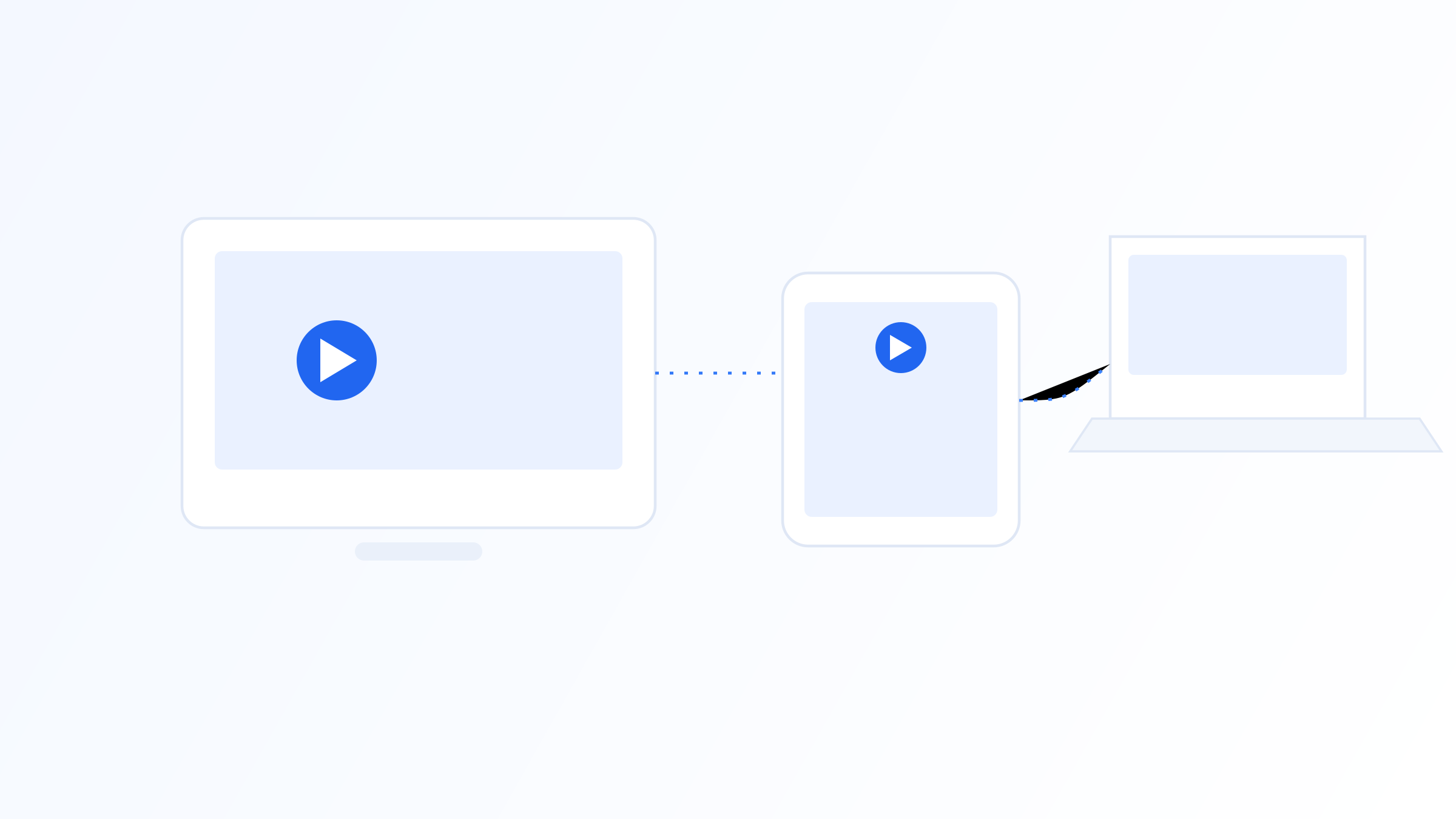
IPTV Smarters Pro is available across a wide range of platforms, including Android and iOS mobile devices, Android TV and Amazon Fire TV devices, and some smart TV platforms depending on the manufacturer's app store. Availability can vary by region and by which app store you're using, so it's worth checking the official listing for your specific device before assuming support.
Performance also varies by device. Older or lower-powered hardware may struggle with larger playlists or higher-resolution streams, regardless of which player app is handling them, since decoding video is fundamentally a hardware task. If you're deciding between devices for IPTV use, checking hardware decoder support and available RAM tends to matter more than which specific app you plan to install.
It's also worth checking how the app is updated on each platform, since app stores sometimes lag behind each other in receiving the latest version. A device running an older build of any IPTV player, not just this one, may lack recent bug fixes or compatibility improvements that a newer build already includes.
Setting Up a Playlist
Getting a playlist connected generally involves entering either an M3U URL directly or Xtream Codes API details, typically a server address, username, and password provided by whoever manages your playlist source. Once entered, the app downloads the playlist data and organizes it into its interface automatically. From there, most setup involves optional customization: arranging favorites, adjusting EPG settings, and configuring parental controls if needed.
This general process is common to nearly all IPTV player apps, not just IPTV Smarters Pro, the app handles connection and presentation, while the playlist source determines what content is actually available. If a connection fails, the most common causes are an incorrect URL or credentials, an expired or inactive playlist source, or a network issue rather than a problem with the app itself.
If you manage playlists for more than one household member or device, keeping a secure record of your connection details, outside of the app itself, saves time if you ever need to reinstall or set up a new device. This is a general best practice for any IPTV player, not specific to this one, since re-entering server details from memory is a common source of setup errors.
How It Compares to Other Players
IPTV Smarters Pro is one option among many general-purpose IPTV players, and the right choice depends on factors like interface preference, specific device support, and how actively an app is maintained and updated. Some users prefer alternative players for reasons like multi-device sync, different EPG layouts, or more frequent updates.
IPTV Iconic, for example, is built as an alternative player with a focus on cross-device support and consistent updates, which is worth considering if you're evaluating more than one option before settling on a setup. As with any player, the best approach is to compare compatibility, interface, and update history against your own priorities rather than defaulting to whichever name is most familiar.
Update frequency is one of the more practical points of comparison, since an app that receives regular updates is more likely to stay compatible with newer device operating systems and evolving playlist standards. Checking each app's recent update history, which is usually visible on its official app store listing, is a quick way to get a sense of how actively it's being maintained.
Playlist Sources and What They Determine
It's worth reiterating that the quality of your experience with IPTV Smarters Pro, or any player, is shaped heavily by the playlist source you connect to it. Two people using the identical app version can have completely different experiences if one is connected to a well-maintained, properly structured playlist and the other isn't.
This is why troubleshooting playback issues should start by identifying which layer the problem is in, the app's rendering and organization of content, or the underlying playlist source's structure and reliability. Confusing the two often leads to switching apps unnecessarily when the actual issue lies elsewhere.
If you're new to IPTV generally, it's worth spending a little time understanding this player-versus-source distinction before troubleshooting anything, since it reframes most common problems in a more useful way. A slow-loading channel list, a missing EPG entry, or a channel that won't play are usually playlist-side issues, not flaws in the app you've chosen to use.
IPTV Smarters Pro is a well-known, general-purpose IPTV player app that connects to M3U or Xtream Codes playlists and presents them through a standard interface with EPG and category support. It's a reasonable option for many setups, but it's not the only one, and the features that matter most, device compatibility, update frequency, and interface preference, are worth comparing against alternatives before you commit. Whatever player you choose, remember that the app itself is separate from your playlist source, and the quality of your experience depends on both.
Quick FAQ
Is IPTV Smarters Pro a content provider?
No. It's a player application that connects to a playlist source you already have, such as an M3U URL or Xtream Codes API credentials. It doesn't supply channels or media itself, it organizes and plays whatever content your existing playlist source provides.
What devices support IPTV Smarters Pro?
It's generally available on Android and iOS mobile devices, Android TV, Amazon Fire TV, and select smart TV platforms, though availability can vary by region and app store. Check the official app listing for your specific device before assuming compatibility.
Do I need a specific playlist format to use it?
It typically supports both M3U playlist URLs and Xtream Codes API connections, which are the two most common formats used by IPTV playlist sources. The exact format you need depends on what your playlist provider issues you.
Are there alternatives to IPTV Smarters Pro?
Yes, there are several general-purpose IPTV player apps available, including IPTV Iconic, each with different interface designs, device support, and update schedules. Comparing a few options against your specific devices and needs is generally more useful than assuming one app is universally best.
Ready to set up your own IPTV player?
View Pricing PlansReminder: use only legally licensed playlists and content sources. See our Legal & Responsible Use FAQ.